
How to navigate the dashboard
Updated 10 months ago
Browse All
Once you log in to Togetherly, you'll land on your dashboard — the starting point for everything you do. Here's a quick tour of the main navigation areas so you can find your way around.
Prerequisites
- A Togetherly account with an active login
Steps
Get to know the Home page
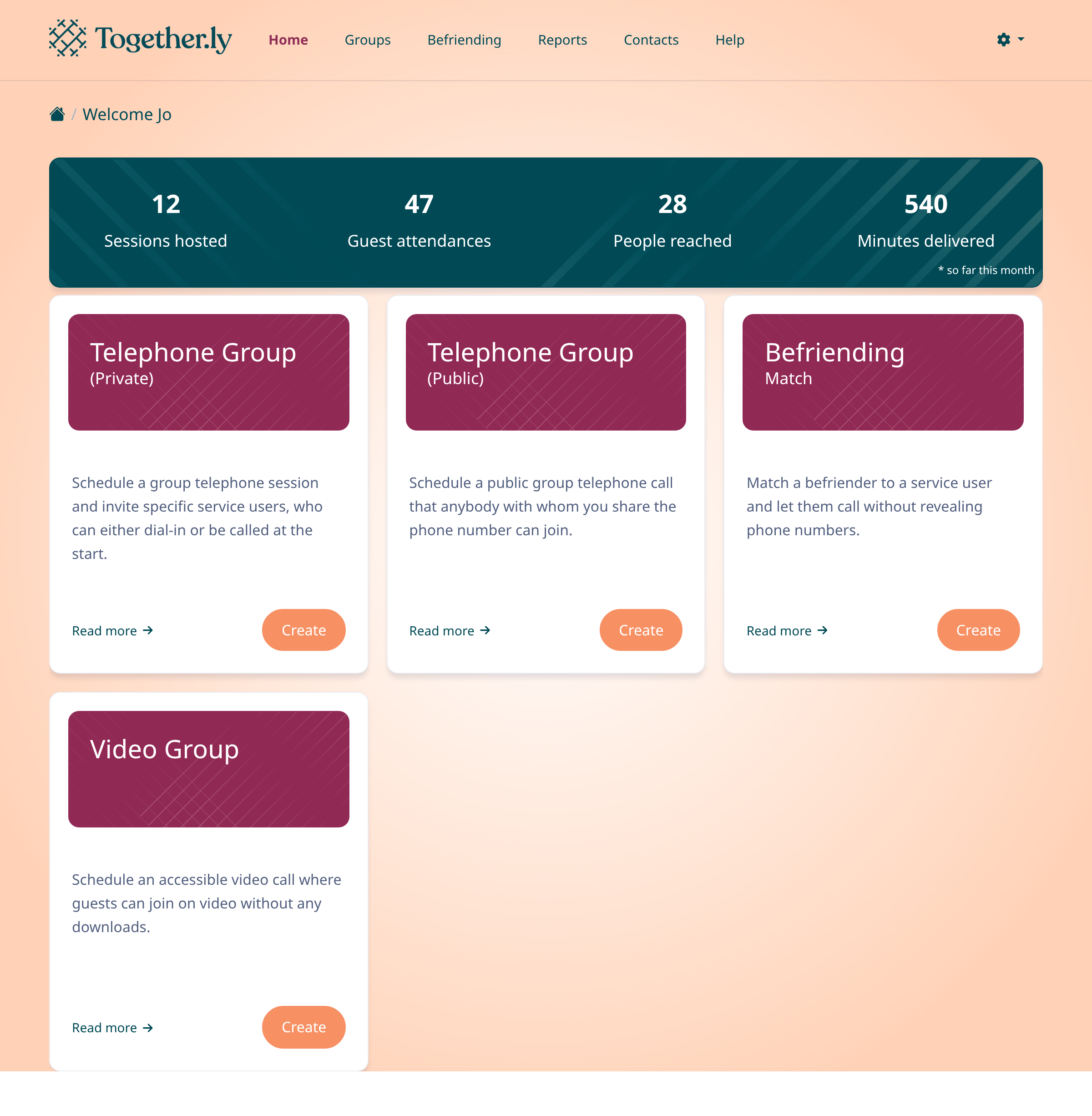
After logging in, you'll see your Home page. At the top is a summary bar showing your monthly stats — sessions hosted, guest attendances, people reached, and minutes delivered. Below that are cards for each session type you can create: Telephone Group (Private), Telephone Group (Public), Befriending Match, and Video Group.
Use the top navigation bar
The navigation bar at the top of every page gives you quick access to the main areas. From left to right you'll find: Home, Groups, Befriending, Reports, Contacts, and Help. The currently active section is highlighted so you always know where you are.
Browse your Contacts
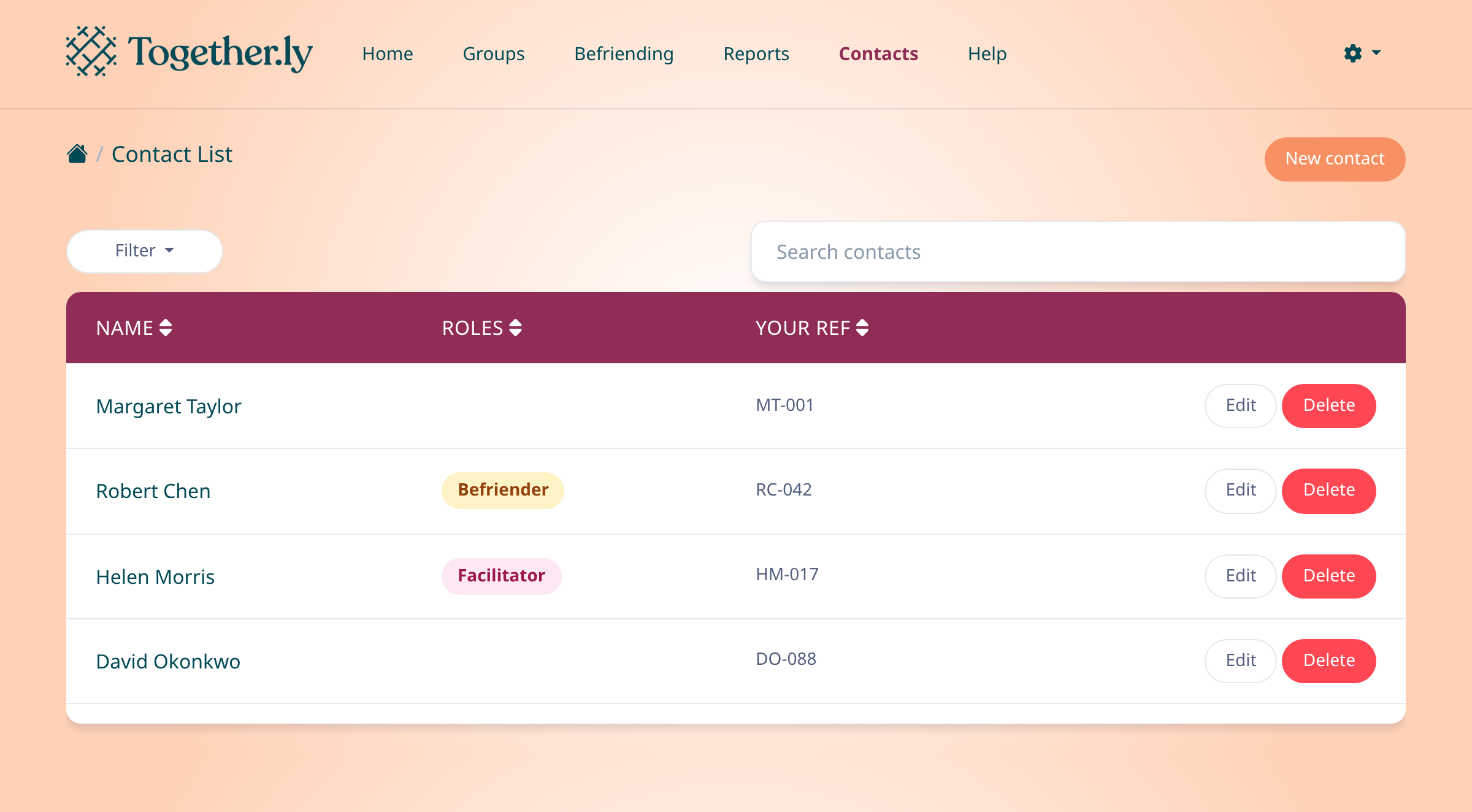
Click Contacts in the navigation bar to see your full contact list. You can search by name, filter by role, and add new contacts using the New contact button in the top-right corner.
Open Reports
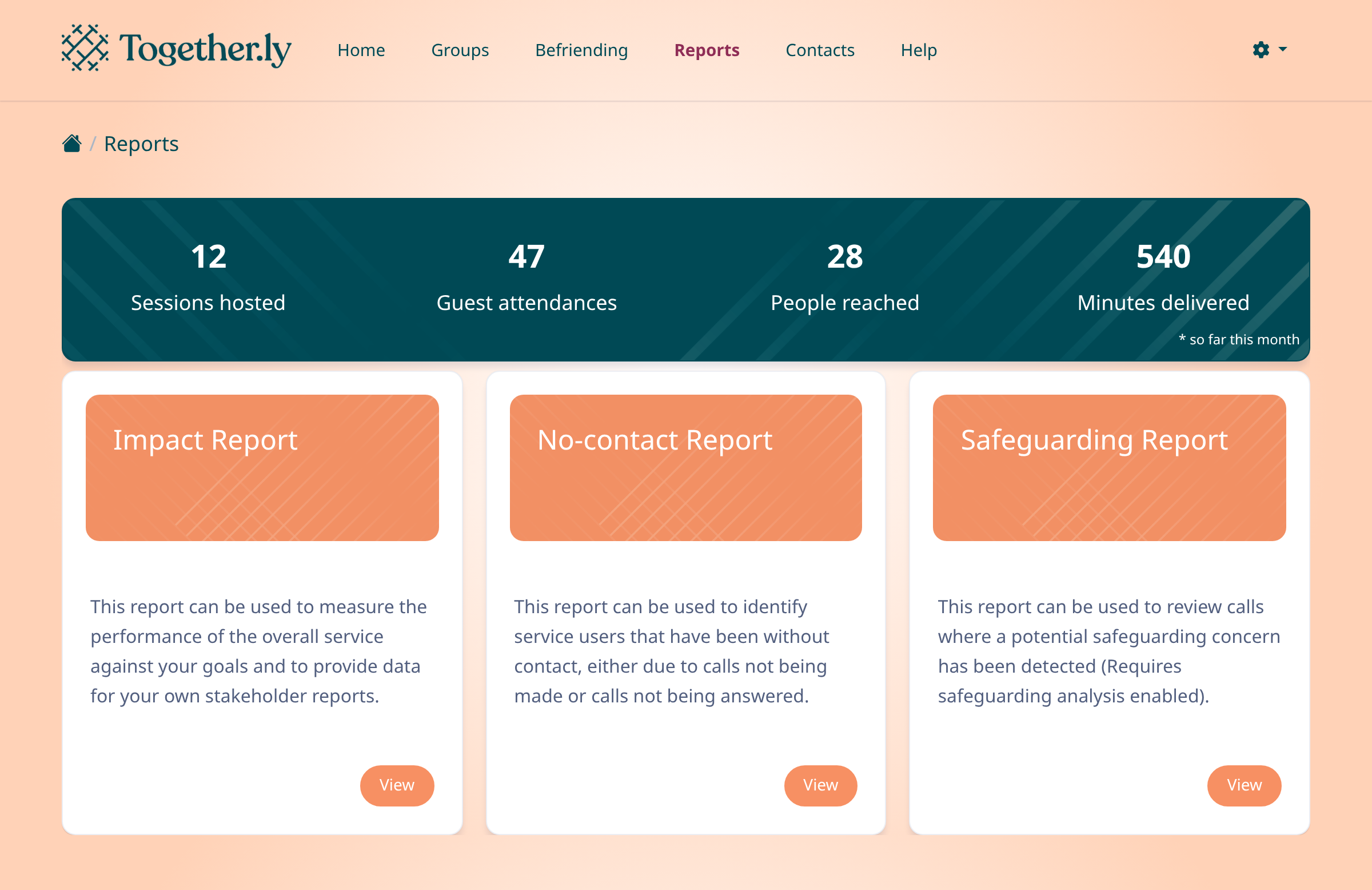
Click Reports to view your reporting options. You'll see the same monthly stats summary at the top, plus cards for your available reports — Impact Report, No-contact Report, and Safeguarding Report.
Access Settings
Click the gear icon on the right side of the navigation bar and select Settings. From here you can manage your team members, update account settings, set up integrations, and view the audit log.
Tips
- The Help link in the navigation bar opens the Togetherly help centre in a new tab.
- You can always get back to the Home page by clicking the Togetherly logo or the Home link in the navigation bar.
Summary
You now know your way around the main sections of Togetherly — Home for session creation, Groups for your calendar, Befriending for 1-on-1 matches, Contacts for your directory, Reports for insights, and Settings for account management.
Was this article helpful?
Built on supportpages.io — automated help articles for SaaS products.
Have a question?
Search our articles, or ask and get an answer straight away.